Strawberry PNG
Download free strawberry PNG images with transparent backgrounds from StrawberryWallpaper. Every image is a clean-edged portrait PNG under 400 KB, ready for Canva, Photoshop, Instagram, and Pinterest designs. One click, no sign-up.Simply pause over the image to explore, download, and share stunning wallpapers from Strawberry Wallpaper with your loved ones for free.







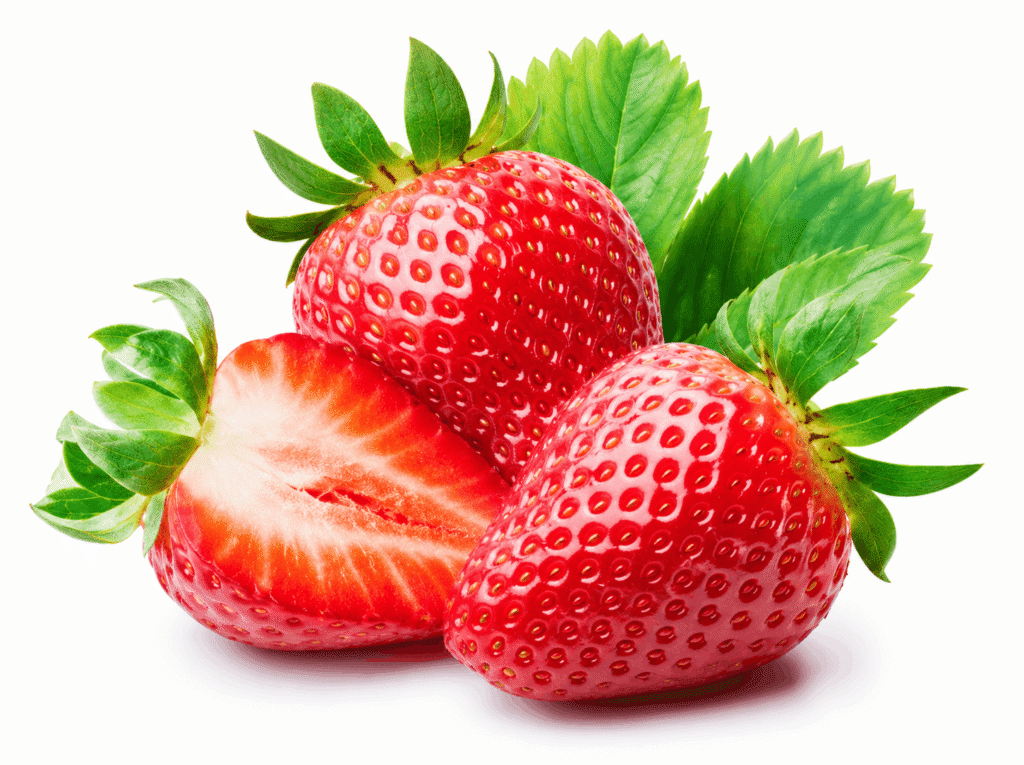
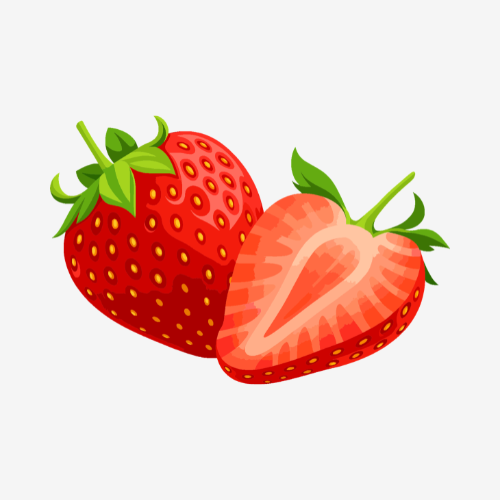



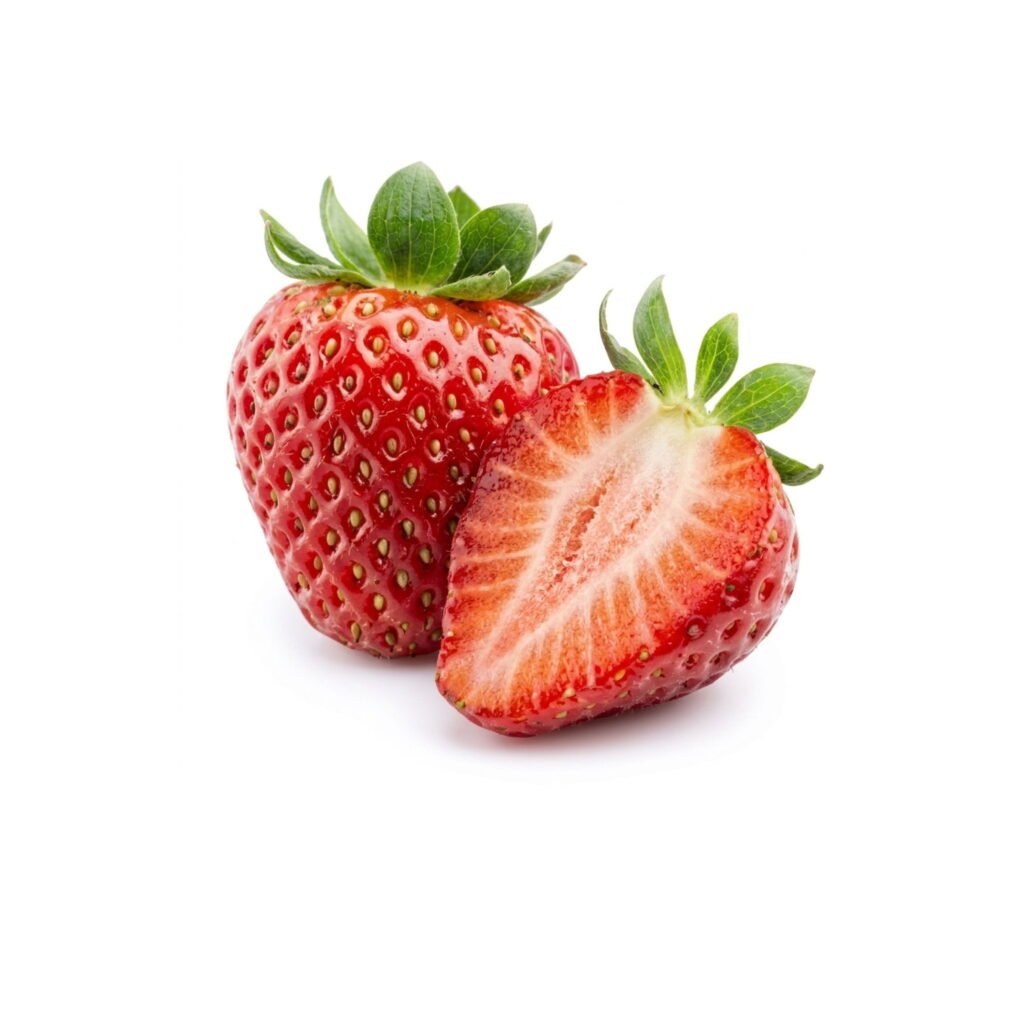


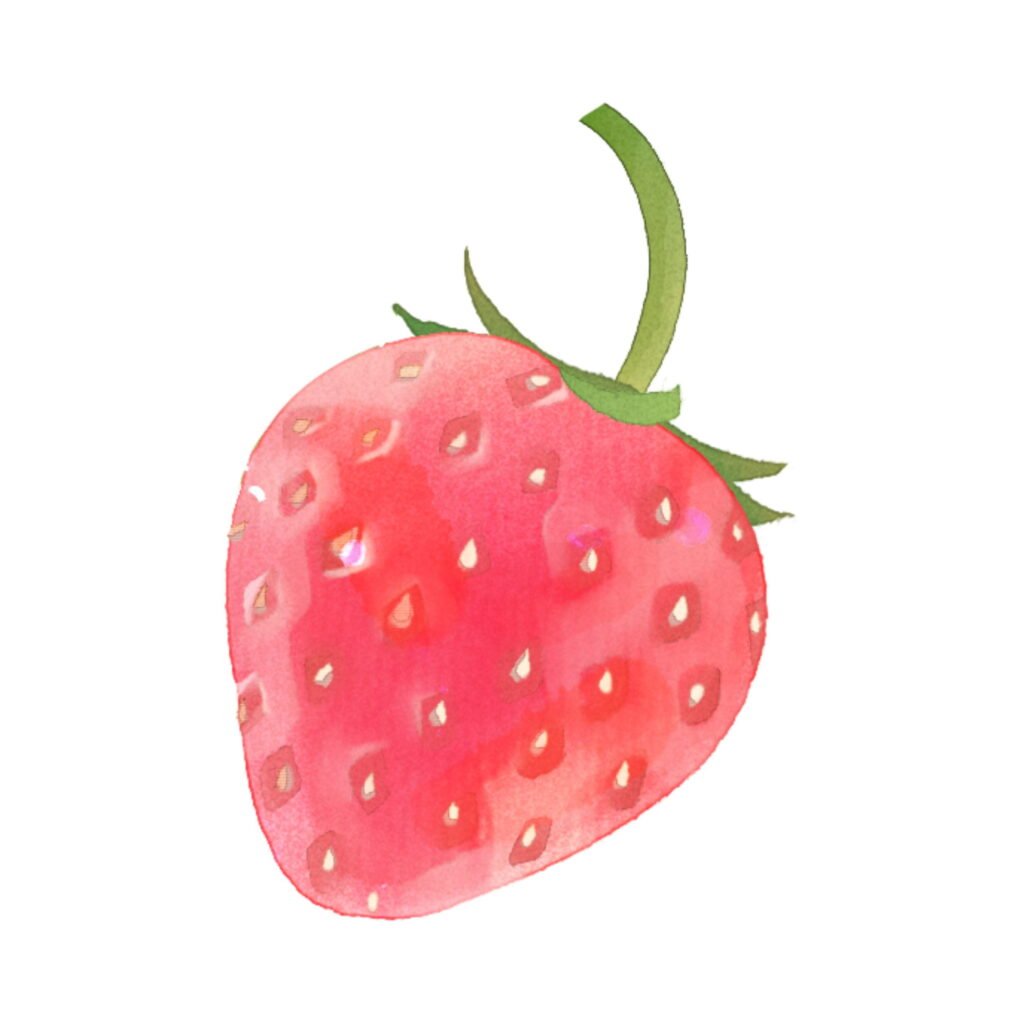
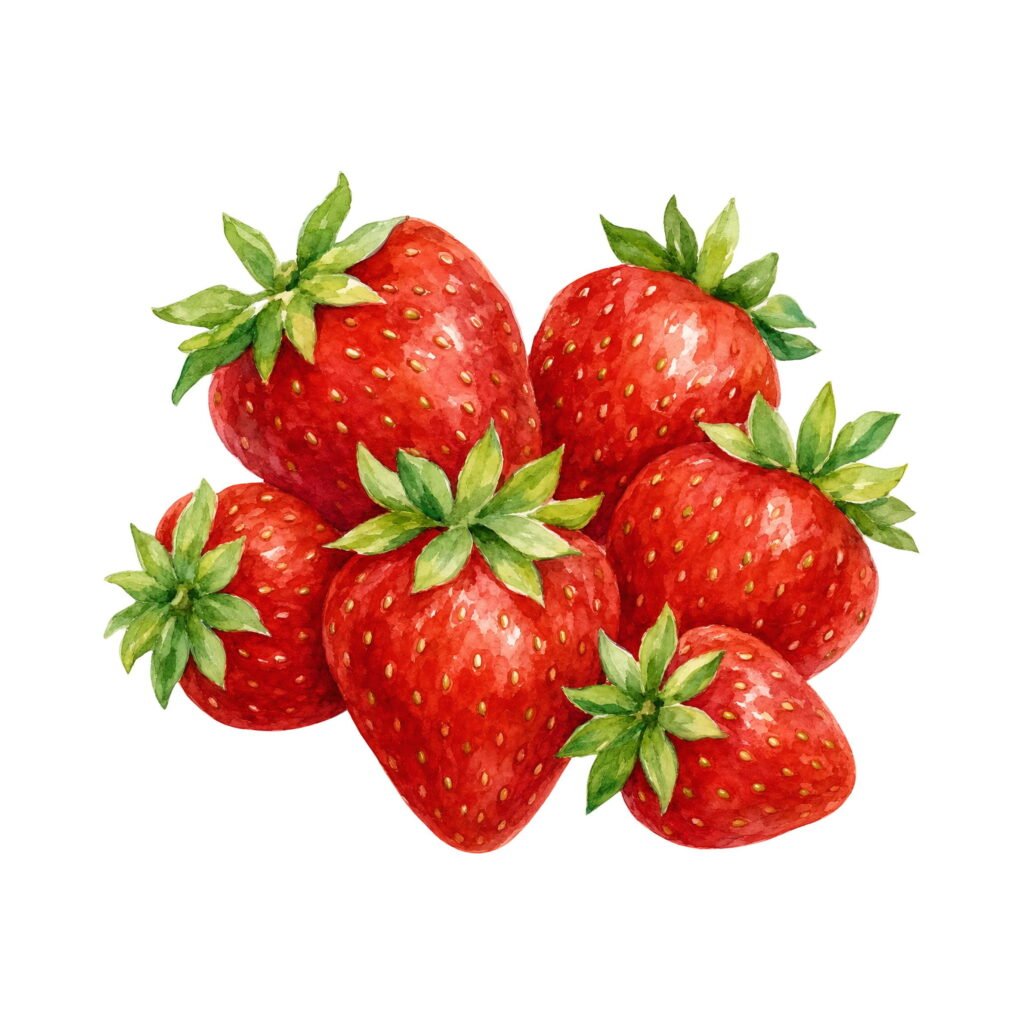
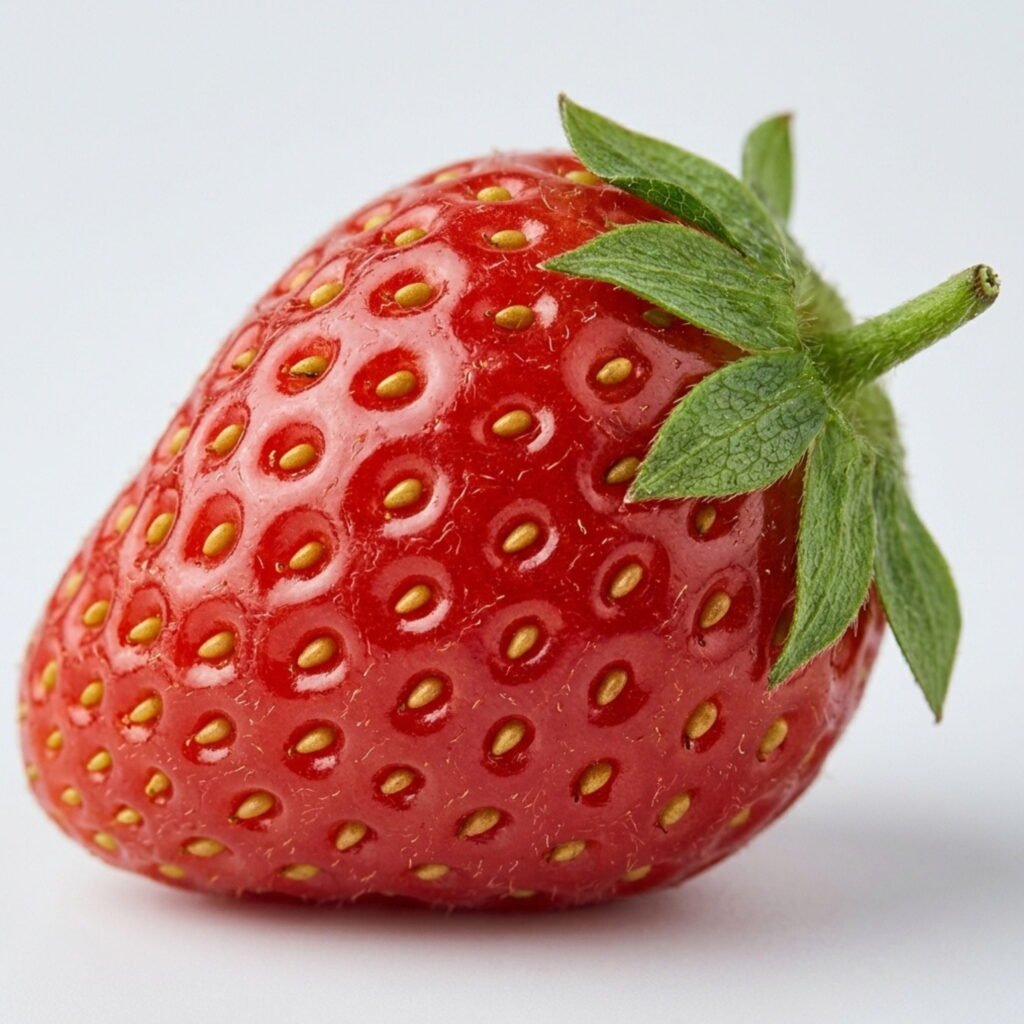
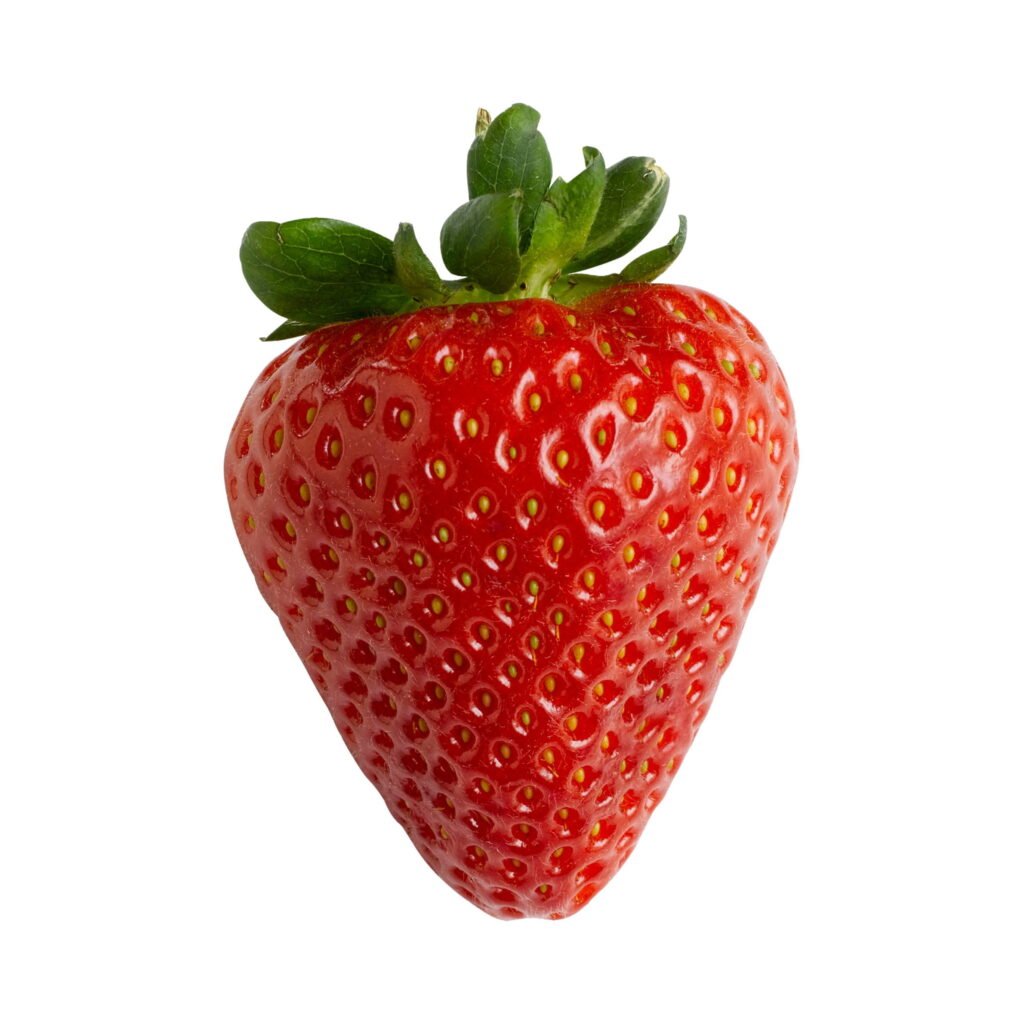
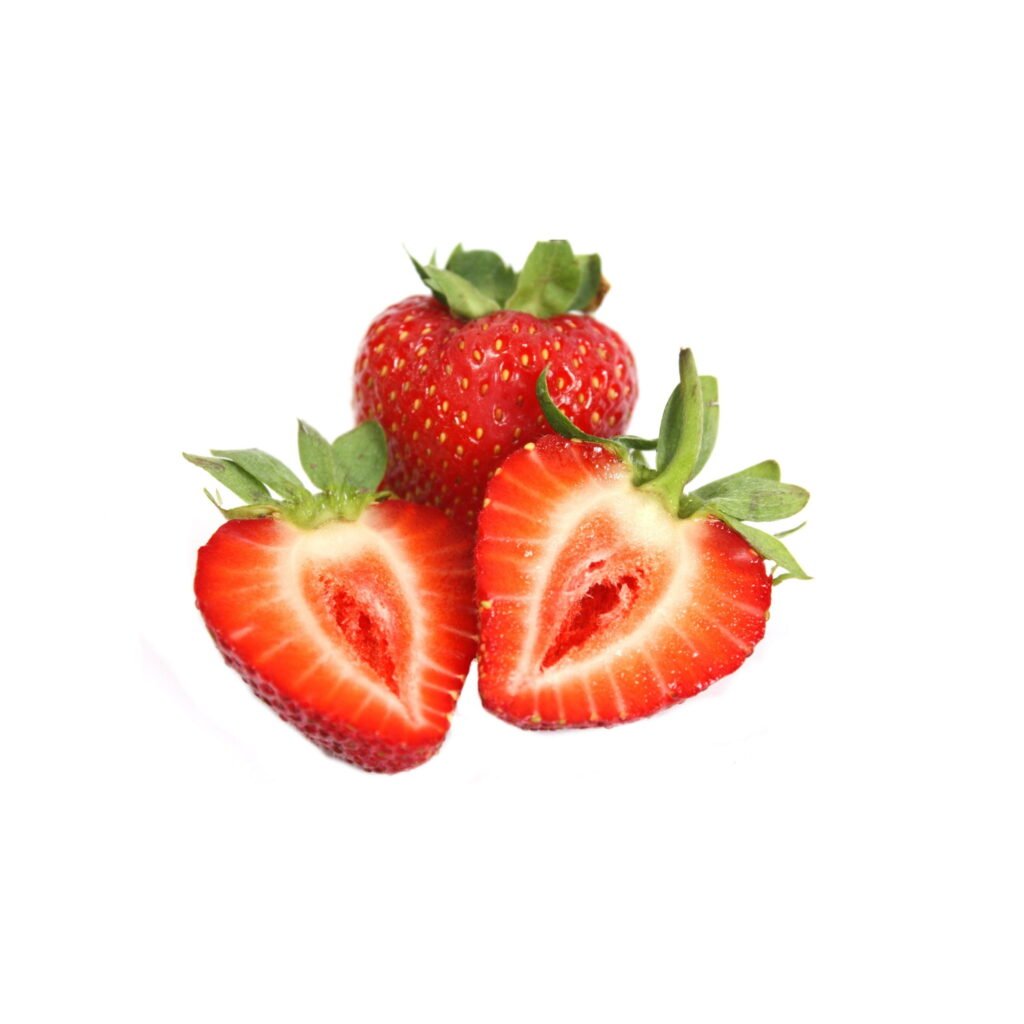
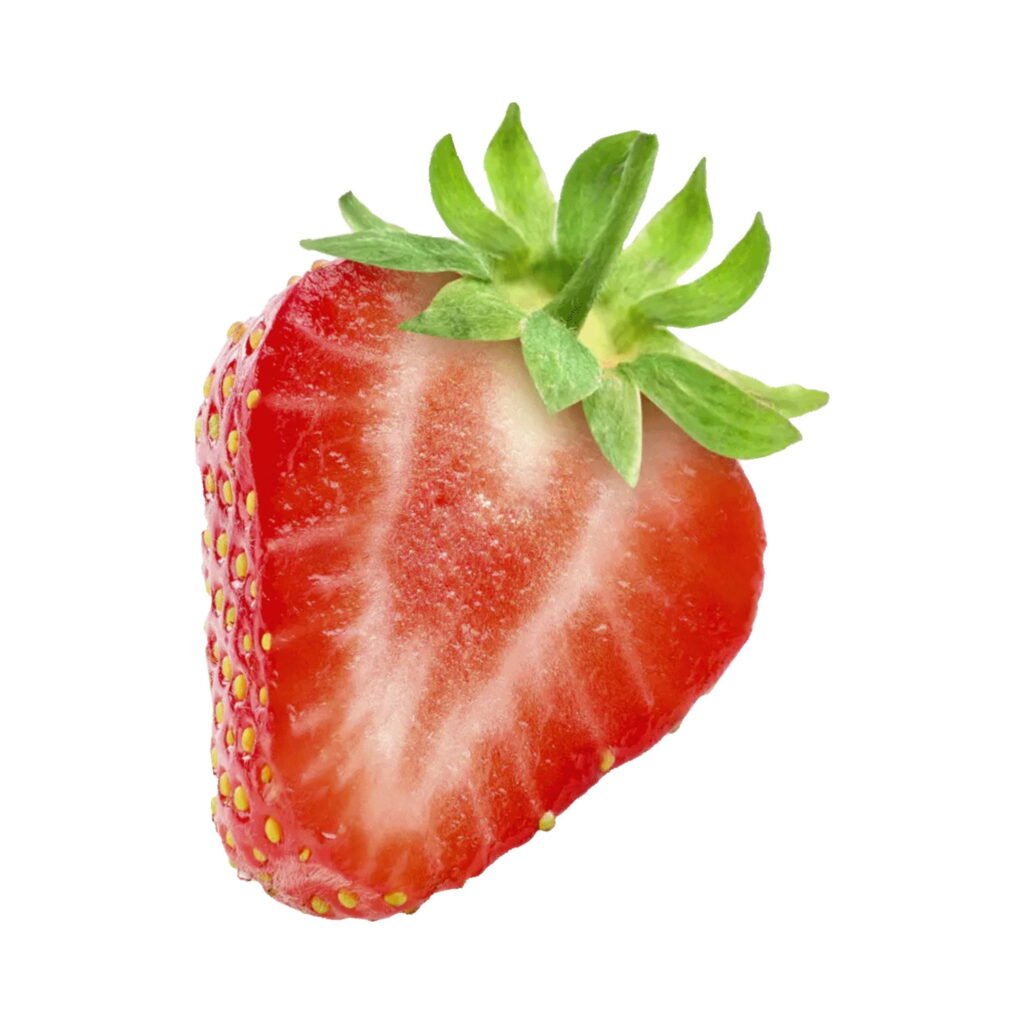
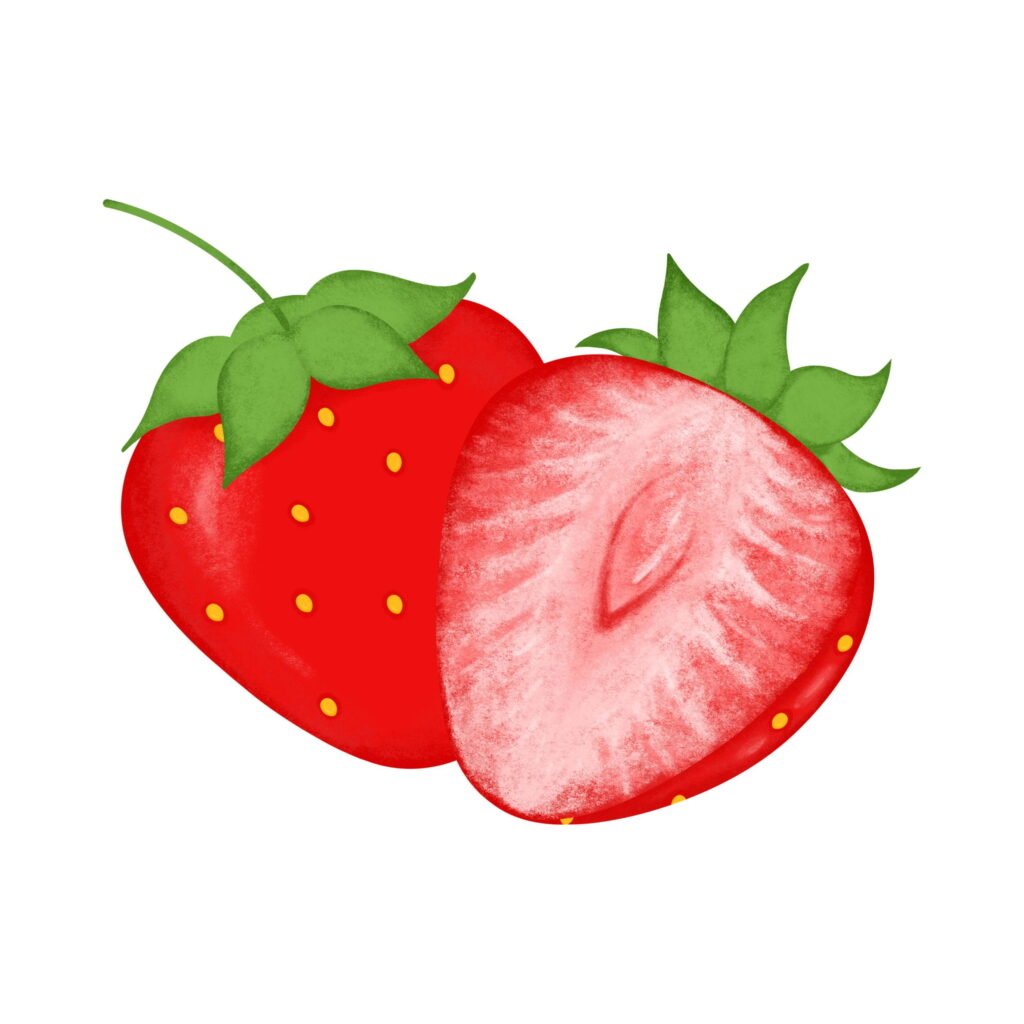
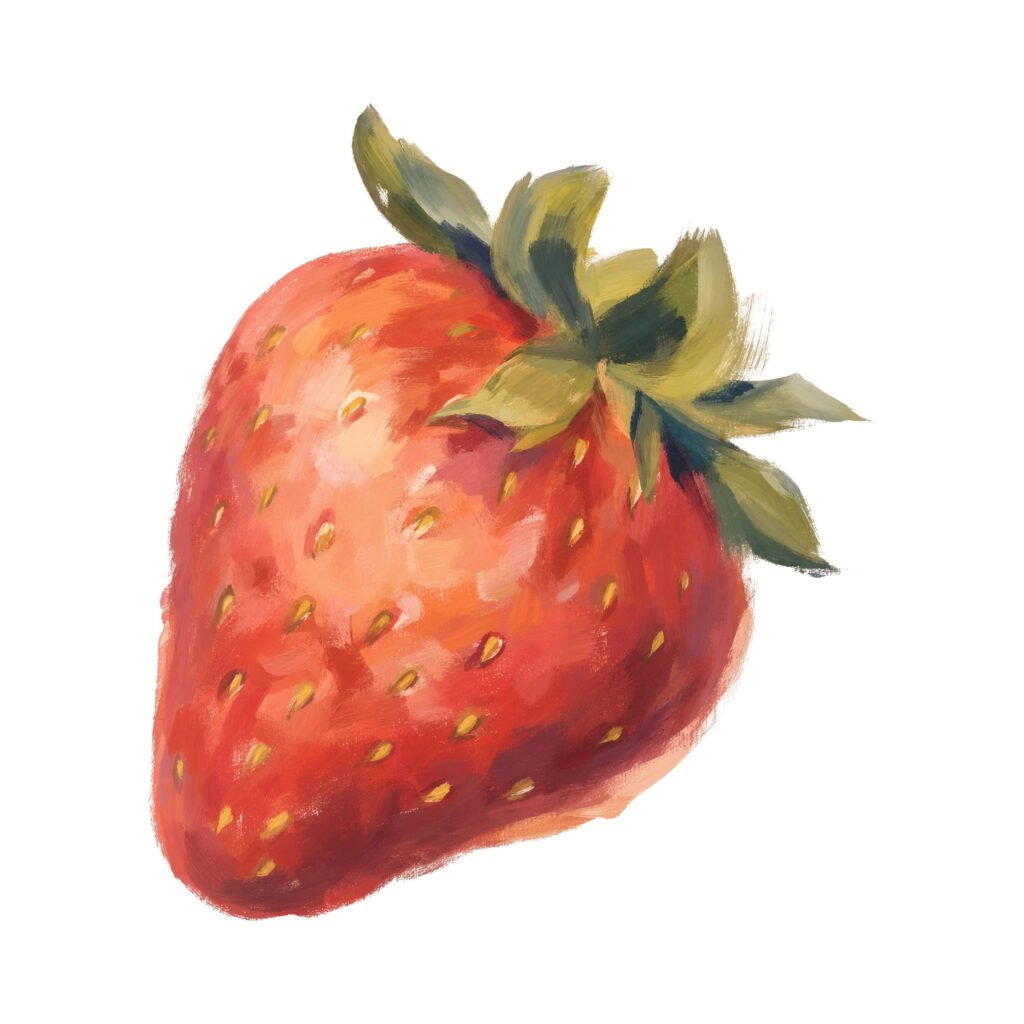
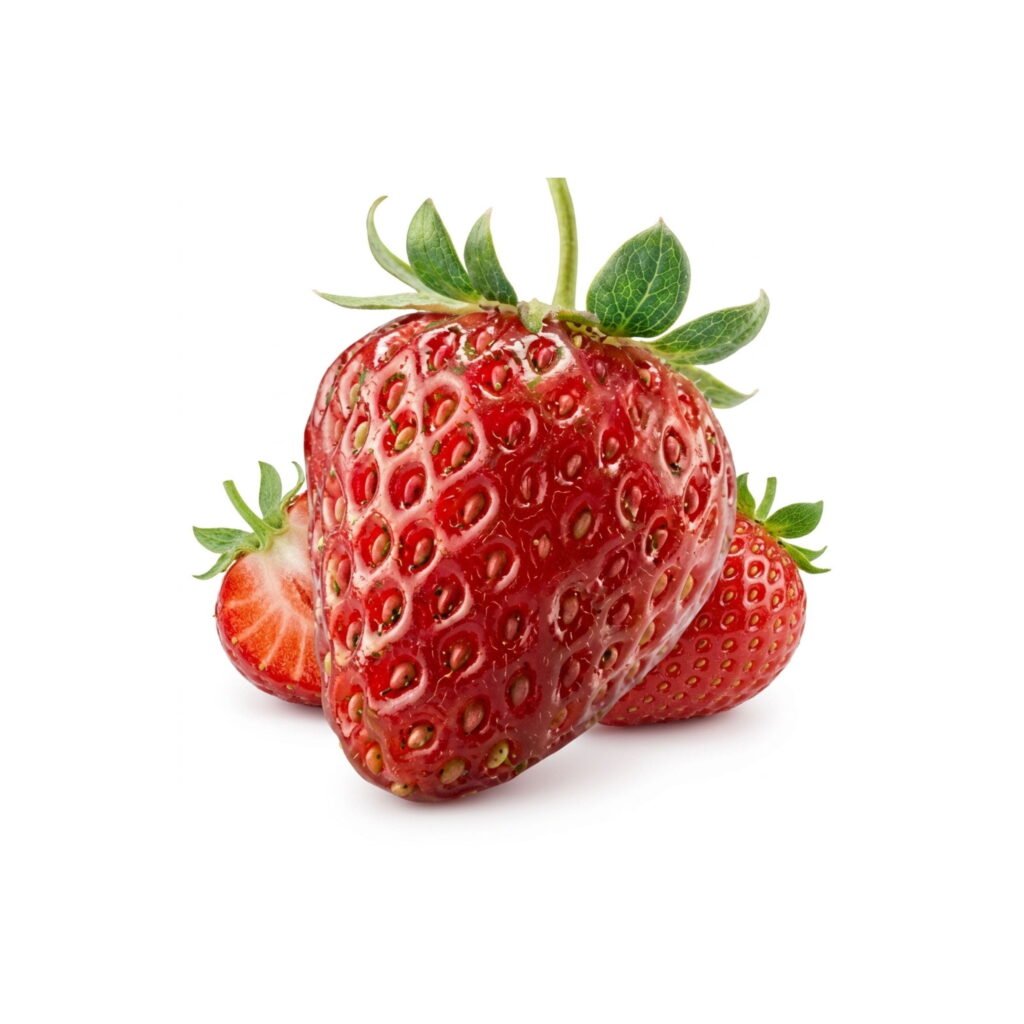

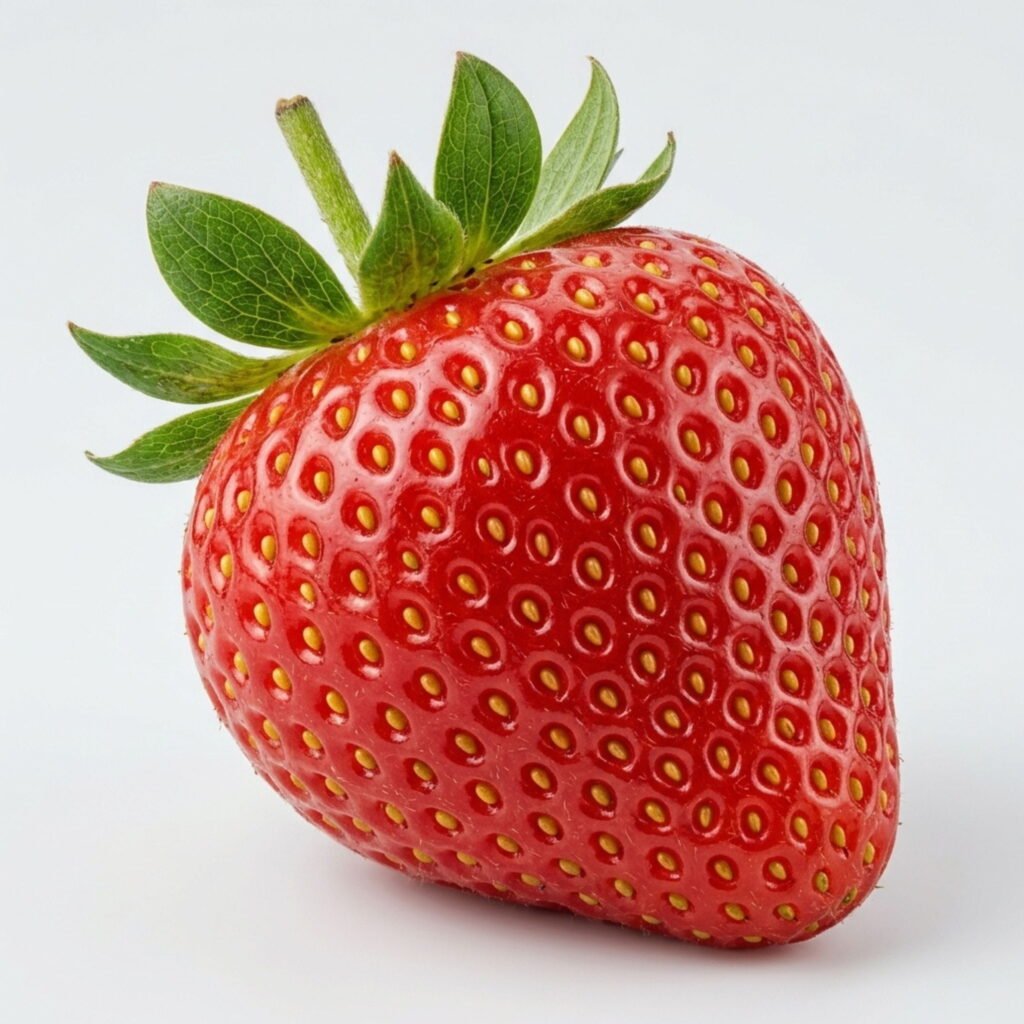

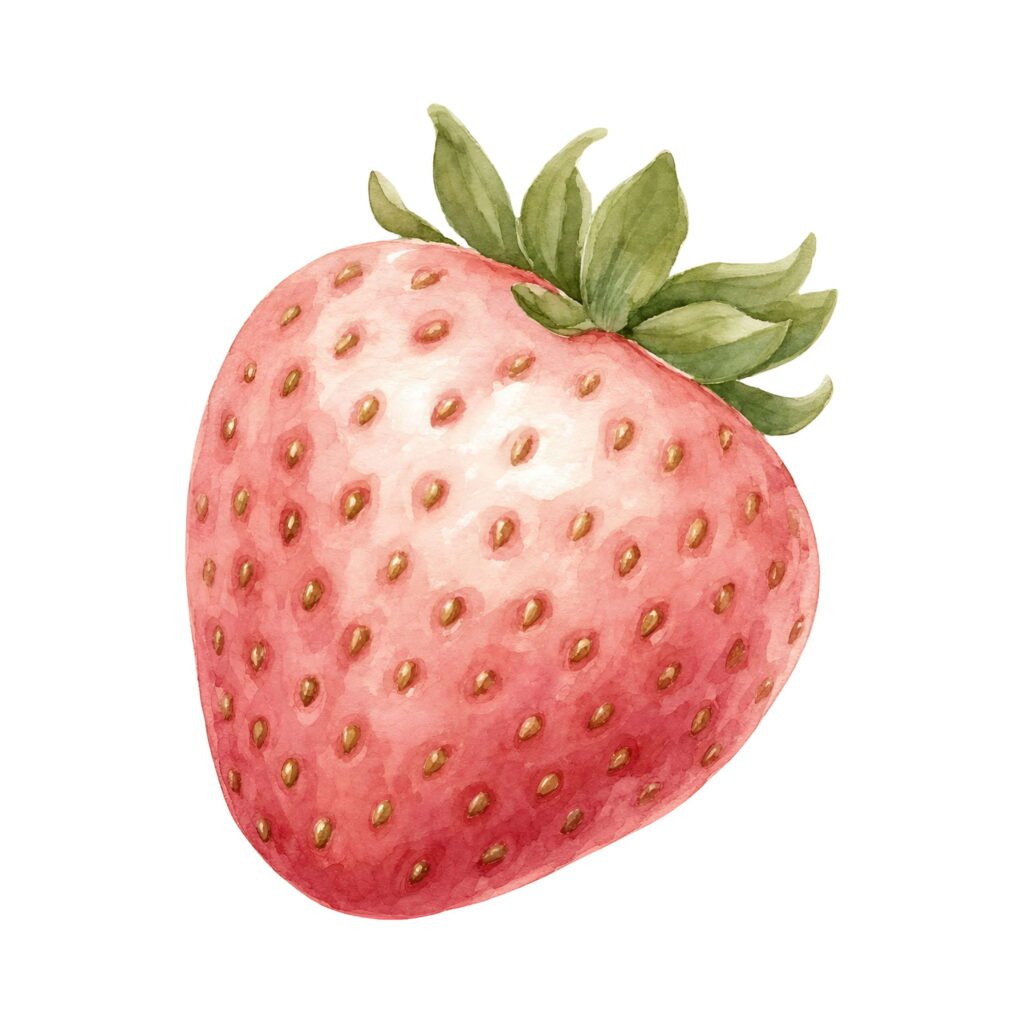
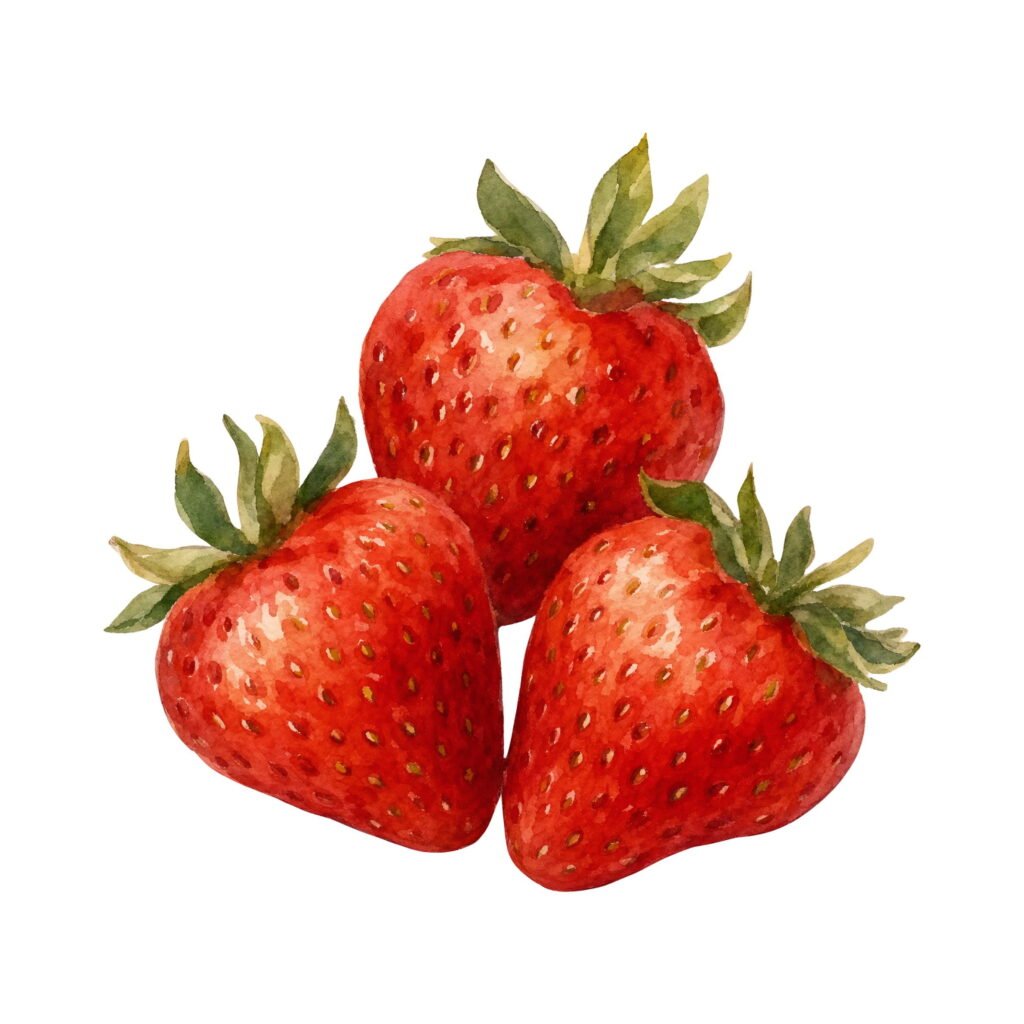
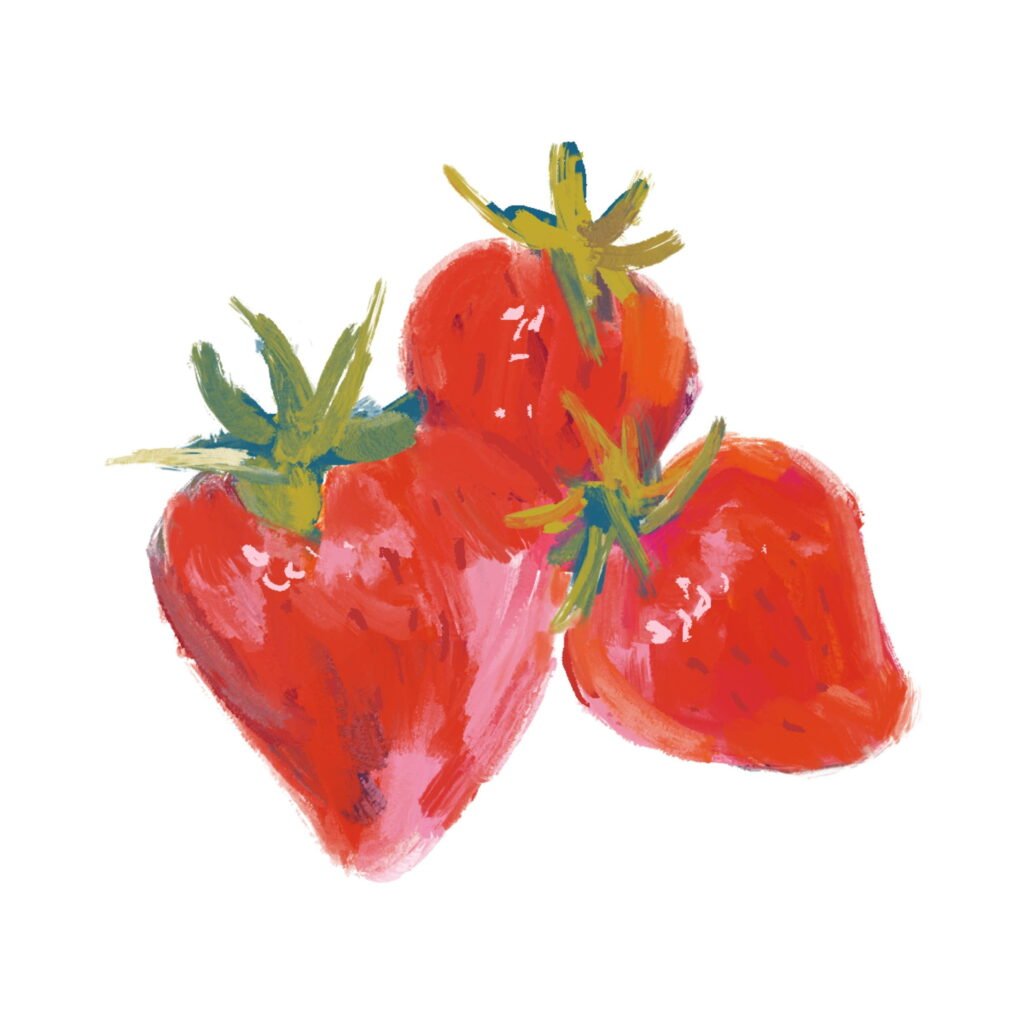
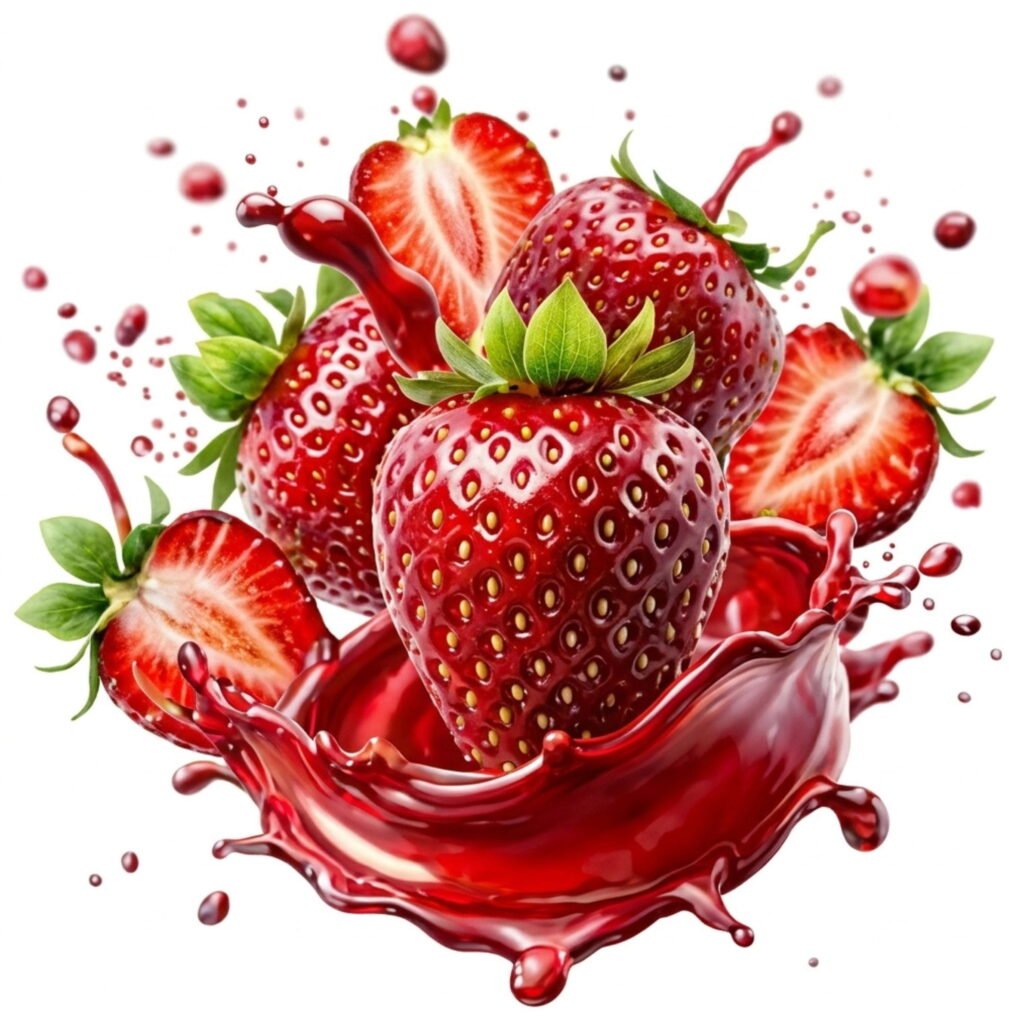
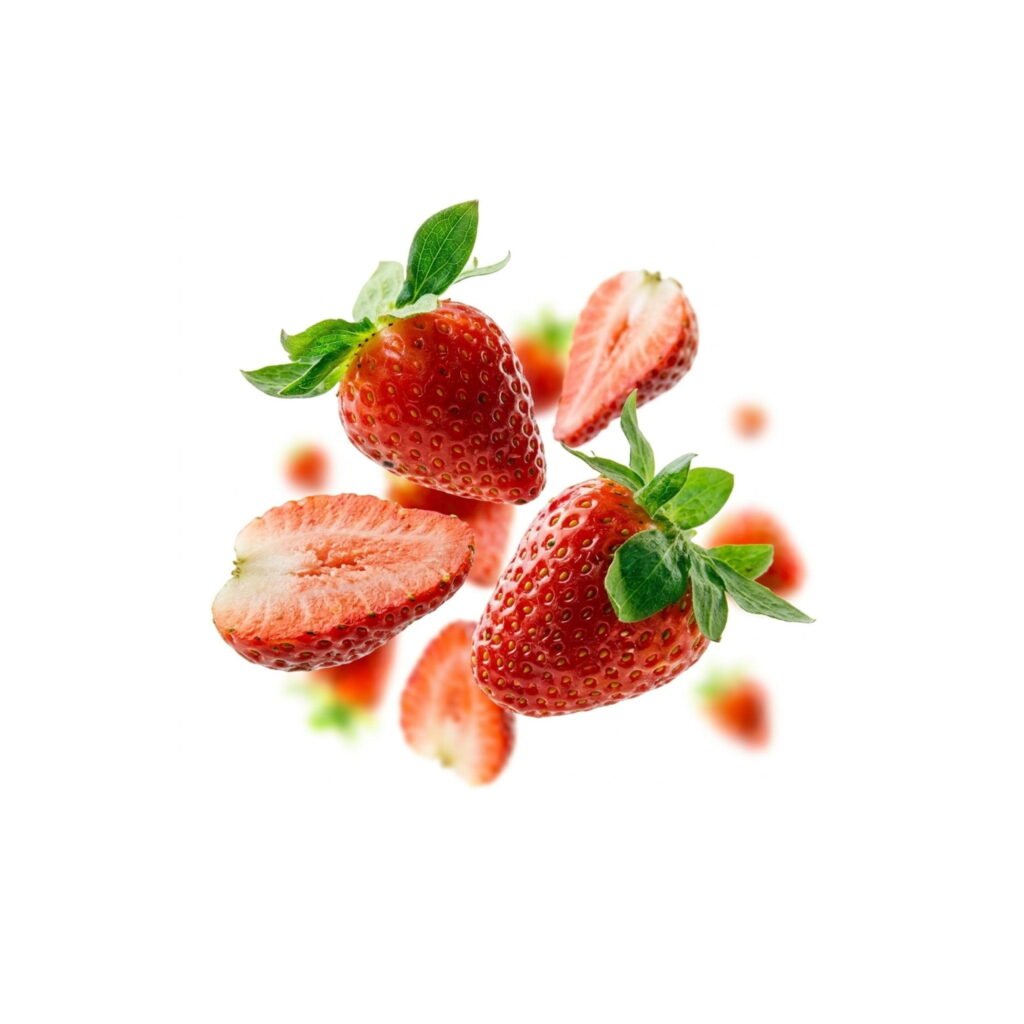
Strawberry PNG: Free HD Transparent Images (One Click Download)
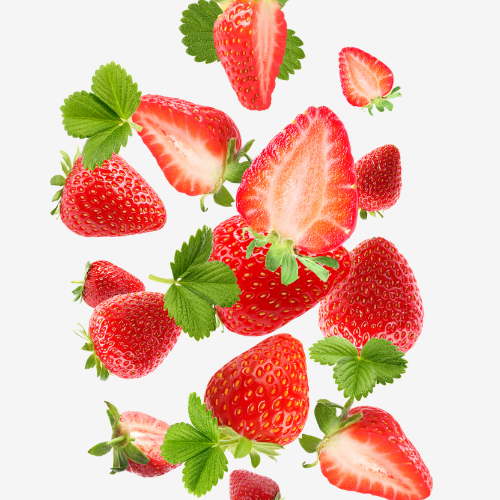
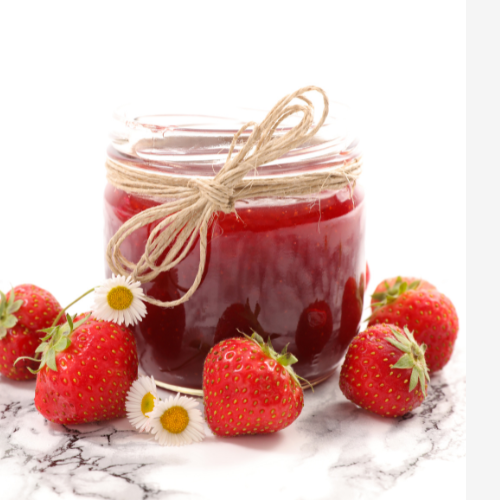
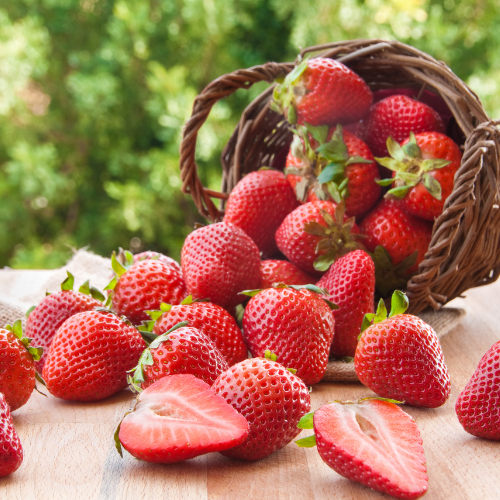
Looking for a clean strawberry PNG for your design? At StrawberryWallpaper, every image is free to download with just one click. No sign-up, no login, no waiting. Each strawberry PNG has a transparent background and smooth edges, so you can use it straight away in Canva, Photoshop, PowerPoint, or any design app.
What Makes a Good Strawberry PNG?
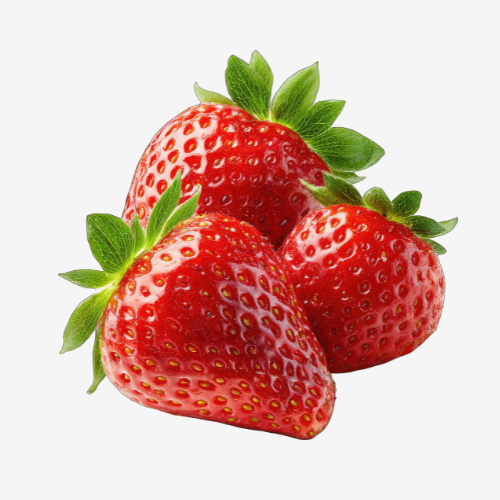
A good strawberry PNG has clean edges around the leaves and seeds, no white border, and enough resolution to stay sharp when enlarged. We check the leaf edges at 200% zoom before uploading, because that is where low-quality PNGs usually fail.
Strawberry PNG Types You Can Download
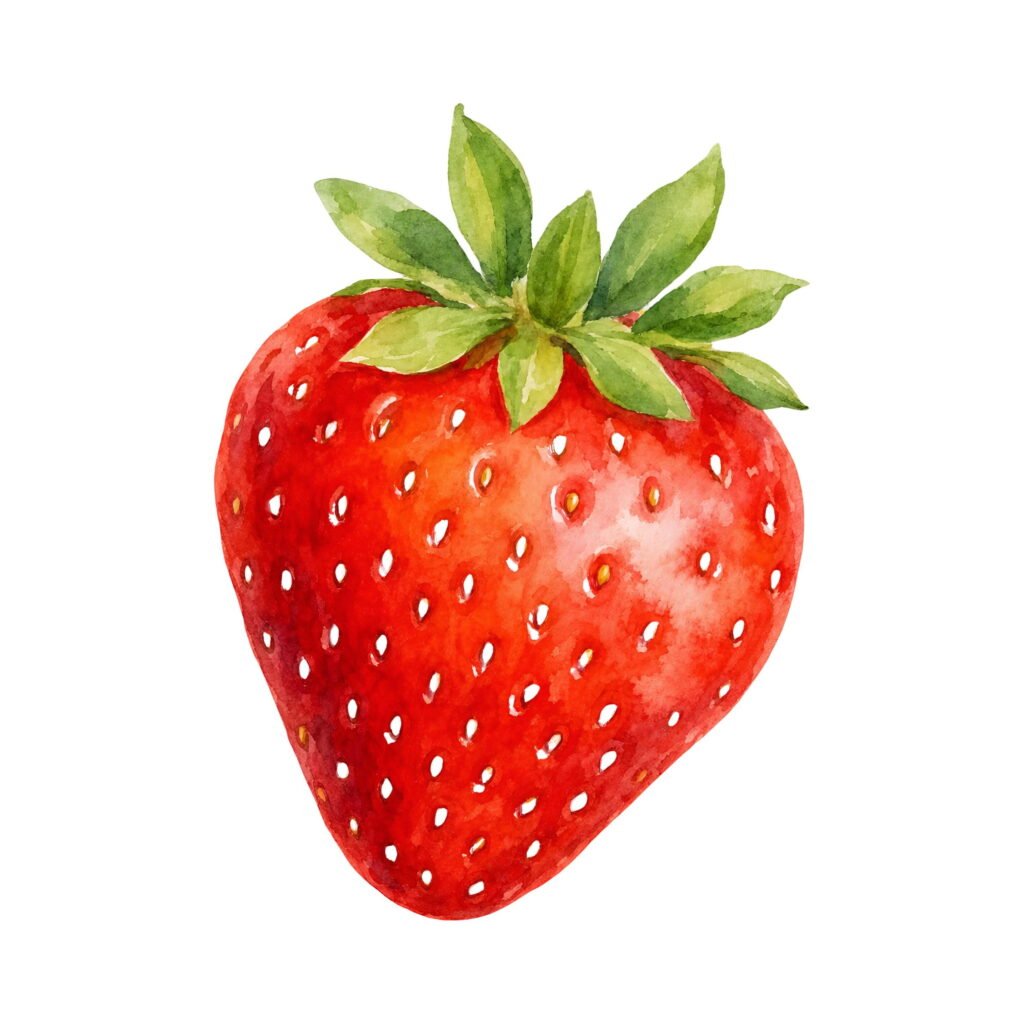
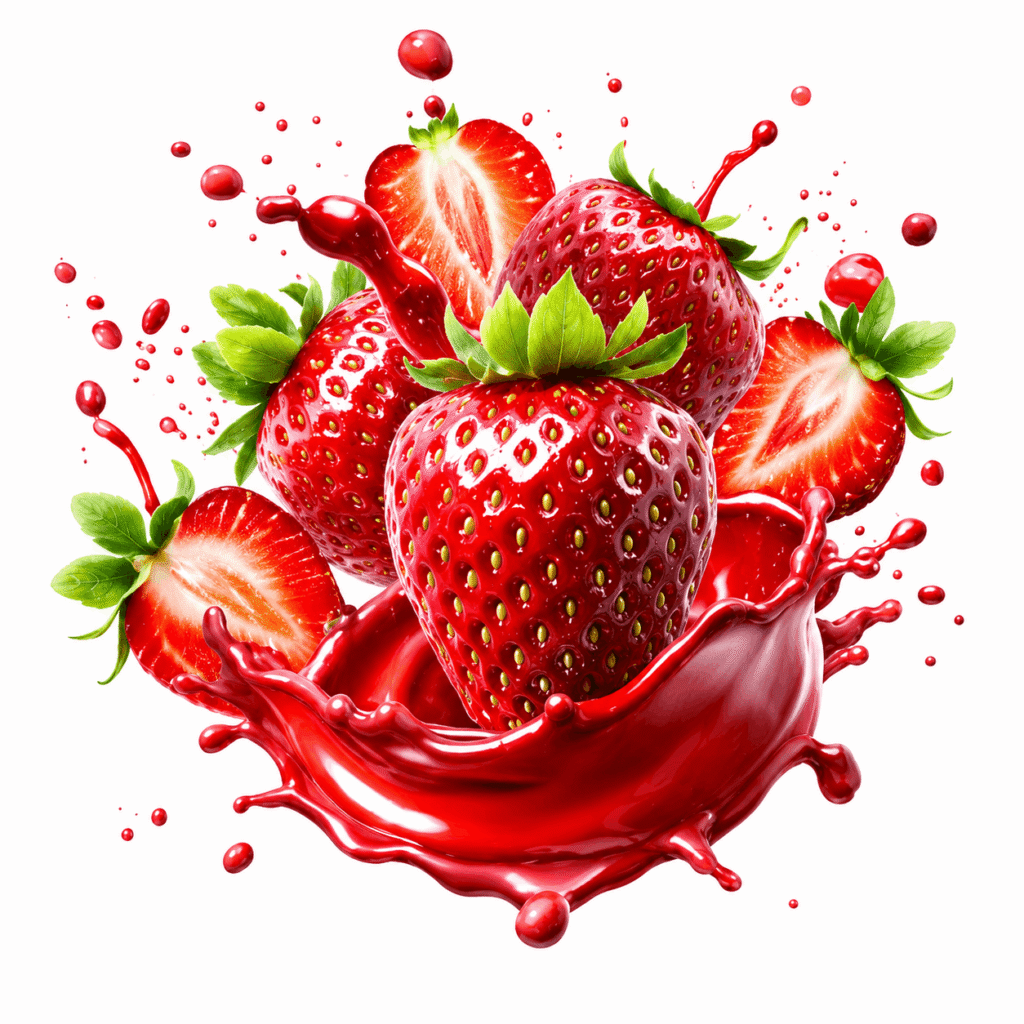
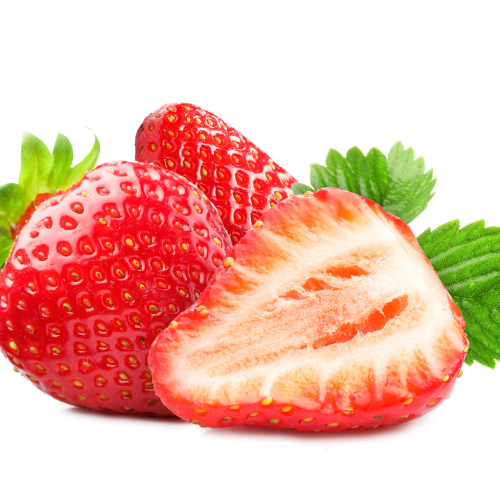
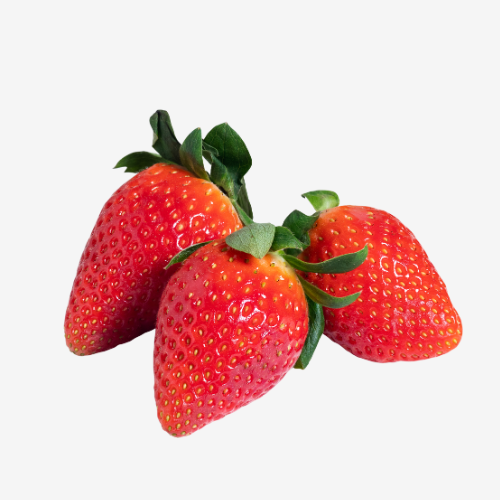
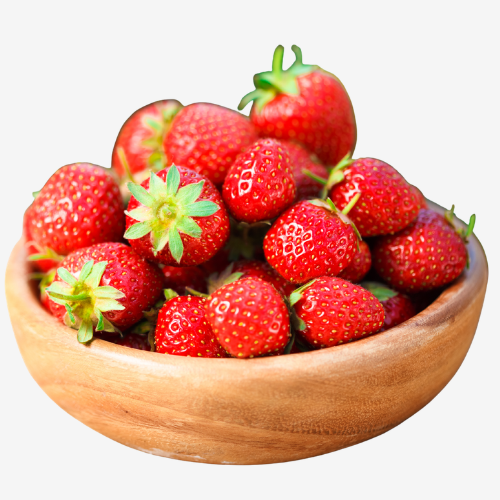
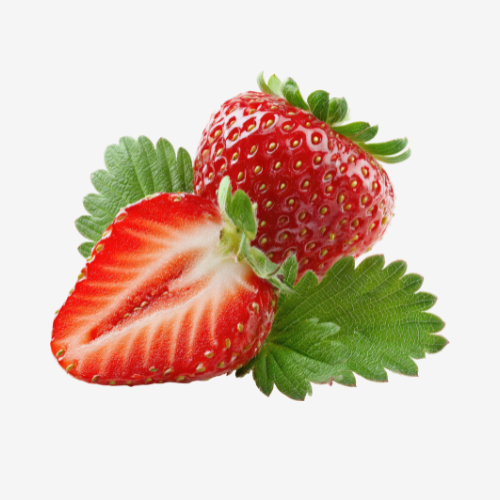
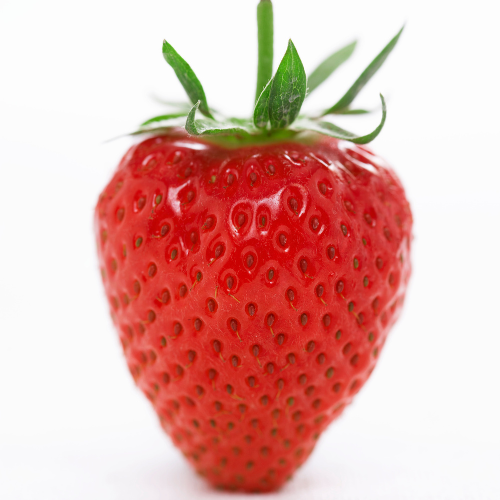
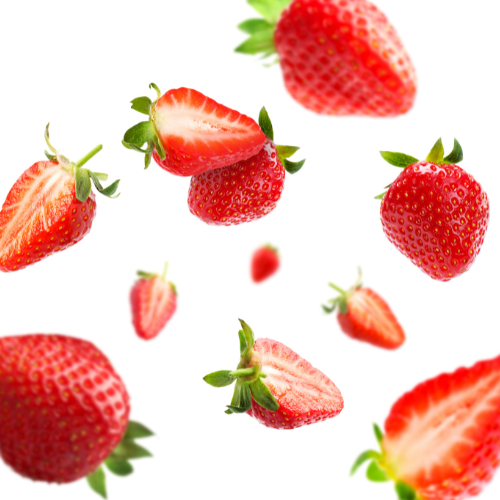
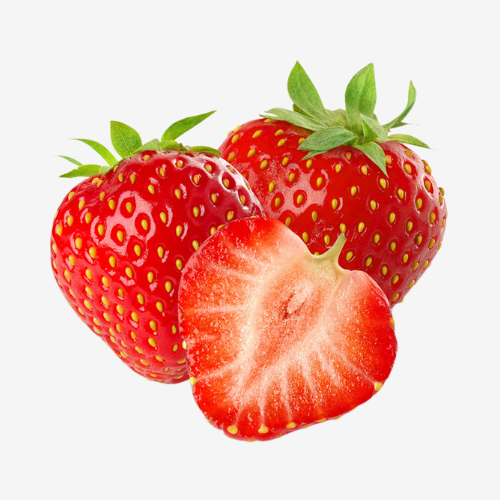
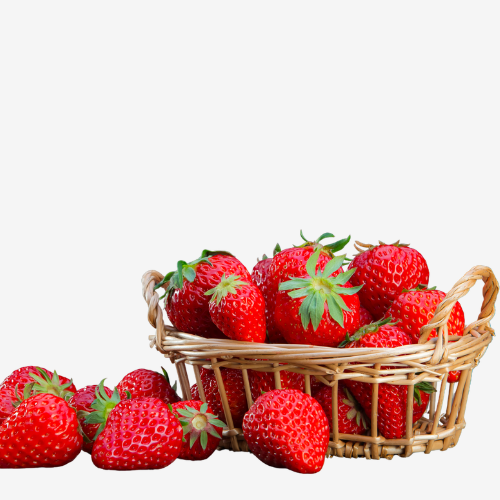
Our collection includes whole strawberries for logos and labels, sliced strawberries for recipe cards and menus, strawberries with splash or cream for dessert ads, and cartoon strawberry clipart for kids’ designs.
Whole strawberry PNG, 1080 x 1350 px, 350 KB, portrait, transparent background.
visit for more Home Page new
How to Download and Use
Click the Download button under any image and the PNG is saved instantly. In Canva, upload the file and drag it into your design. In Photoshop, use File > Place Embedded. If the edges look too sharp on a soft background, add a light shadow so the strawberry blends naturally.
License
You can download and use our strawberry PNG images for free in personal and commercial projects, as long as you give credit by linking back to StrawberryWallpaper.
FAQs
Is it really free?
Yes, one click and the image is yours, for personal use.
Why does my PNG show a white background?
The image may have been saved as JPG or flattened. Download the PNG again and place it on a layer above your background.